InstaProLab AI: Five Instagram Tools or One Dashboard?
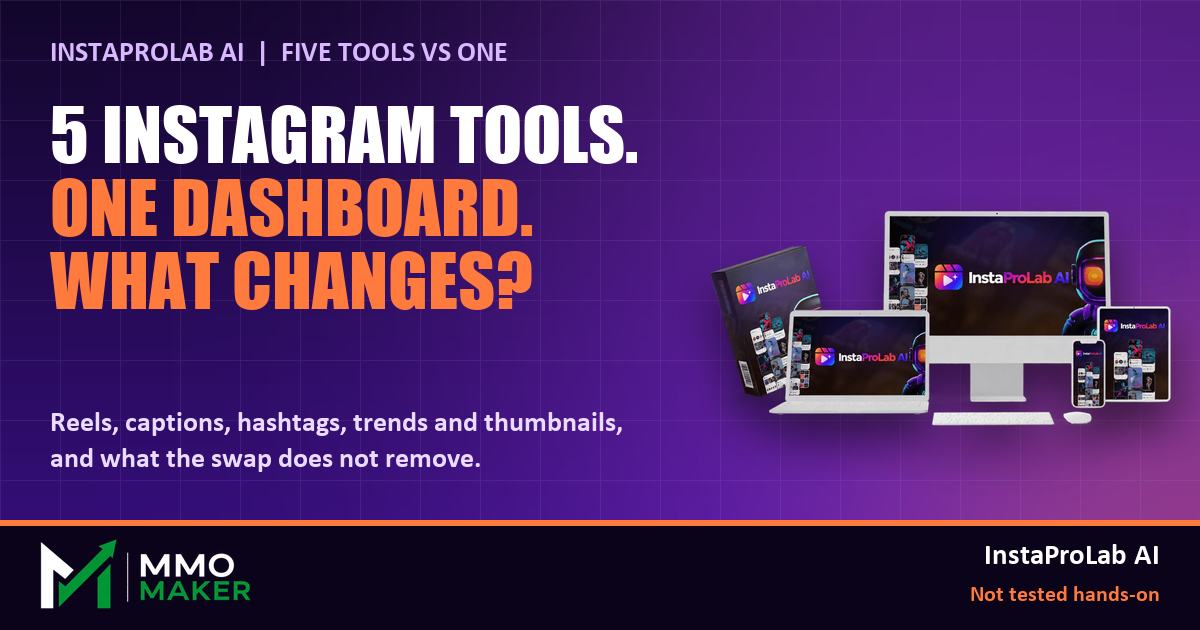
Running an Instagram account usually means a stack of separate tools: a video editor for reels, a caption writer, a hashtag tool, a trend tracker and a thumbnail designer. InstaProLab AI is pitched as one browser dashboard that replaces all five from a single idea. Our review was built from the vendor's sales page, JV page and JV document, and we did not have a review account, so none of this is hands-on. Here is the manual stack next to what the vendor says the dashboard does, and where the swap gets complicated.
The five-tool stack, and the vendor's one-dashboard answer
- Reels editing. The vendor says the reels maker adds perfectly timed captions automatically, and a drag-and-drop editor lets you adjust the result.
- Captions and hooks. A script and caption generator, plus a hook generator aimed at the first seconds of a reel.
- Hashtags. A hashtag generator that pulls targeted tags for each piece of content.
- Trends. A trend finder that surfaces what is currently trending so you can adapt it to your niche.
- Thumbnails and covers. A creator for reel covers and thumbnails.
The vendor also lists feed and carousel post design, a content idea generator, a templates library, a bio link and URL shortener, and one-click export. The workflow it describes is simple: log in, pick a content type, enter an idea or niche, edit, export.
What the swap does not remove
- The review step. AI-made reels and captions still need your eye before they go out. Our review says as much.
- The audience. A faster content pipeline does not create followers. Results depend on your niche and existing audience.
- Other platforms. The core tool is about Instagram. Auto-publishing to YouTube, Facebook, TikTok, X and LinkedIn is sold as a separate upgrade.
Two things to check before you pay
- The price. The sales page launched at $14.95 and said it rises $0.01 an hour during the launch window. The JV page lists a flat $17. Treat the number at checkout as the real one.
- The upgrade funnel. There are ten optional upgrades. The JV document names what each adds, but their prices show at checkout. None is needed for the core dashboard.
One real plus on the vendor's side: the front end includes a commercial license, so you can create Instagram content for clients without buying an upgrade, and there is a 30-day money-back guarantee. Our full review rates InstaProLab AI 4.4 out of 5 and covers the pricing, the two coupon codes from the JV document, the upgrades and the pros and cons: InstaProLab AI review.
Disclosure: we earn a commission if you buy through our review, at no extra cost to you.


Comments
Post a Comment