Plan a 60-second AI film on paper first: the 6-shot sheet that saves time and money
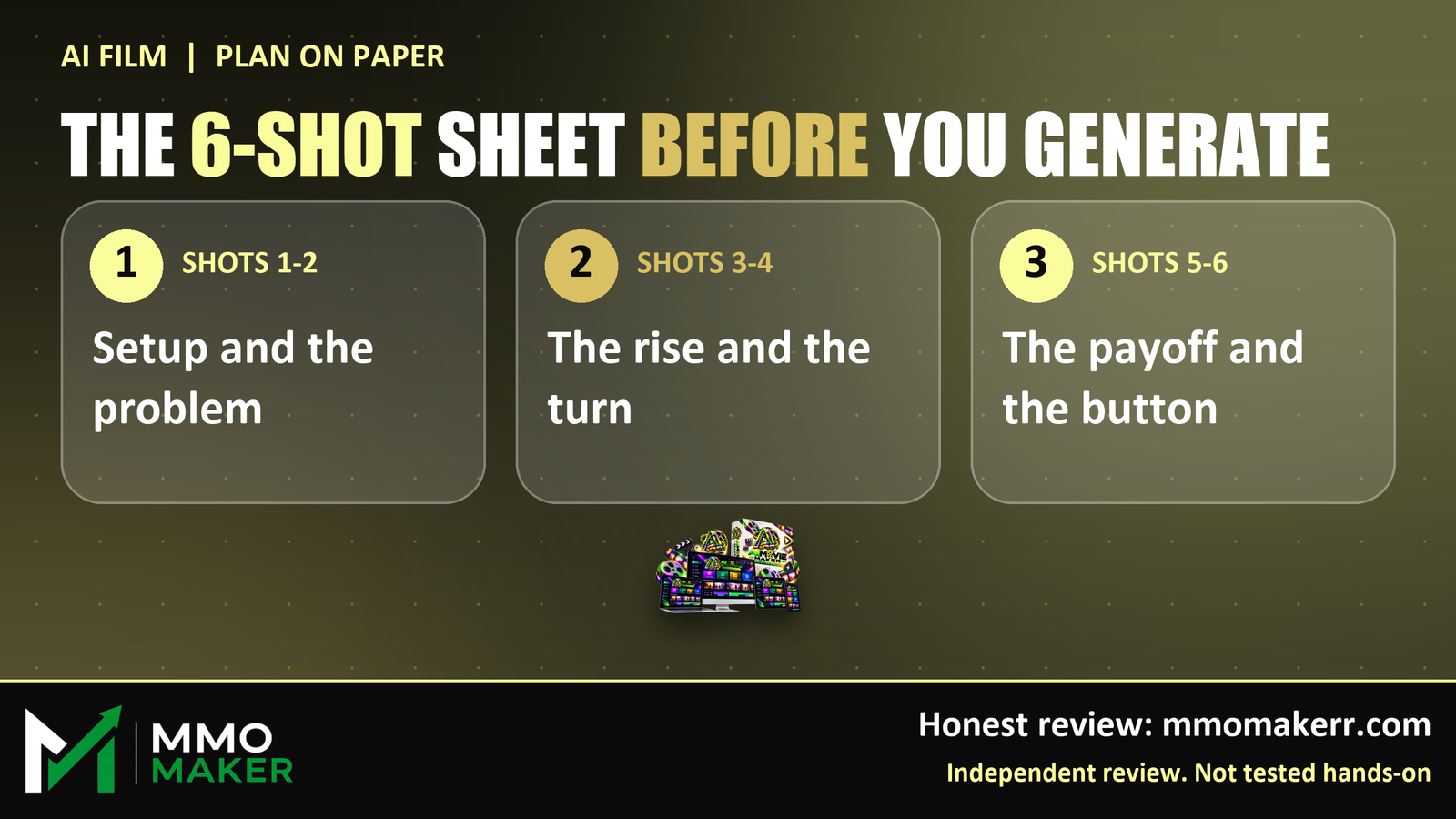
Most people open an AI video tool and start typing. The result is usually six random clips that do not add up to a story. The fix costs nothing and takes ten minutes: plan the film on paper first. This is the six-shot sheet we would use before touching any AI video tool, including Unlimited Movie, which launched on LaunchPad on October 21.
Per the vendor, Unlimited Movie turns an idea or script into a movie scene with characters, dialogue, voices, music and captions for a $14.95 one-time launch price, with a 30-day refund. The vendor's own upgrade page says the front end works scene by scene with shots up to 15 seconds. We have not tested it hands-on, so we cannot say how it performs. But a 15-second shot limit is a good reason to plan in short shots whatever tool you use.
The sheet: six shots of about ten seconds
- Shot 1, Setup: who is in the film and where are they? One sentence.
- Shot 2, Problem: what do they want, and what gets in the way?
- Shot 3, Rise: they try something and it almost works.
- Shot 4, Turn: something goes wrong, or something is revealed.
- Shot 5, Payoff: how it resolves.
- Shot 6, Button: the closing line, image or call to action.
Four things to write under every shot
- One sentence of action, in plain words.
- One camera note: wide, close-up, over the shoulder.
- One line of dialogue, twelve words or fewer.
- One sound note: music rising, silence, a door closing.
That is 24 short lines for the whole film. It looks like a lot of paper, but it is about ten minutes of thinking that saves hours of regenerating clips that were never going to fit together.
Why short shots help with any tool
Short shots are easier to fix. If shot 4 is wrong, you redo ten seconds, not the whole film. They also force you to cut the filler, and AI video tends to produce plenty of filler when the instructions are vague.
Lock the cast before you start
Write one line for each character: name, two things about how they look, and one thing about how they speak. Then reuse that exact line in every prompt. Consistency is the thing viewers notice first, and it is the thing that falls apart when every prompt describes the hero a little differently.
Know your ending before your beginning
Write shot 5 first. If you cannot say how the film ends in one sentence, the tool cannot say it for you. It will just generate more scenes.
Test the plan on a short film first
If you are trying a new tool inside a refund window, make the first film small: one scene, three shots, one character. Judge three things: did the characters stay the same, did the voice match the mouth, and did you have to fix it by hand? Those answers tell you more than any demo video.
Our Unlimited Movie review lists the price, every upgrade, the coupon codes and the places where the vendor's own pages disagree on price. Our 3.9 out of 5 rating is our own editorial assessment, not a customer average.
Read our full Unlimited Movie review at mmomakerr.com. Affiliate disclosure: we earn a commission if you buy through our links, at no extra cost to you. We have not tested this product hands-on.


Comments
Post a Comment